Outgrown Your Accounting Software? 8 Signs | Magnum Accountancy

Outgrown your accounting software

If you’ve started noticing limitations in your current system, you may have outgrown your accounting software. A system that suited you perfectly when you started can struggle once you have more customers, more staff and a lot more transactions. That doesn’t mean you need something bigger or pricier. It just means it’s worth checking whether your setup still does the job.

Here are eight signs to watch for, and a few things to think about before you change anything

8 Signs You’ve Outgrown Your Accounting Software

1. You rely heavily on spreadsheets and manual data entry. If you’re copying figures between spreadsheets and your software, mistakes are easy to make and hard to spot. Spending hours retyping the same information is usually a sign the system isn’t pulling its weight.

2. Your bookkeeping takes longer than it used to. More transactions are normal as you grow, but if the process feels slower every month, something isn’t keeping up. It’s worth checking whether the problem is the software itself or the way you’re using it.

3. You struggle to get a clear picture of cash flow and business performance. You should be able to see what’s owed to you, what you owe and where the business stands without piecing it together by hand. If that takes real effort, your software may not be giving you what you need.

4. Your business has grown, but your software has not kept up. Perhaps you’ve added new products, taken on more customers or changed how you charge. If your system can only cope with those changes through clumsy workarounds, it may be holding you back.

5. You find it difficult to manage multiple users, departments or locations. Once several people need access, or you want to track costs by team or site, basic software can get awkward. Limited user controls or separate files for each part of the business are common giveaways.

6. Your accounting software does not integrate well with other business tools. If your payroll, invoicing, stock or payment tools don’t connect smoothly, you end up doing the linking yourself. That’s where double entry and errors tend to creep in.

7. You struggle to produce useful reports and make informed decisions. Good reports help you decide things, like which jobs make money or where your costs are rising. If you can’t get the figures you want without exporting everything into a spreadsheet, that’s a warning sign.

8. Your current system no longer meets your business’s changing needs. Rules change too. Making Tax Digital for Income Tax began on 6 April 2026 for sole traders and landlords with qualifying income over £50,000, and the threshold drops to £30,000 from April 2027. HMRC doesn’t provide software for it, so you’ll need compatible software, or a bridging tool that links your spreadsheets to HMRC. If you’re VAT registered, you already need compatible software for your VAT returns. GOV.UK’s guidance on choosing the right software for Making Tax Digital for Income Tax is a good place to see what applies to you.

What Should You Consider Before Changing Your Software?

Spotting a few of these signs doesn’t automatically mean you need to switch. The right software depends on your size, how complex your business is and what you actually need. Sometimes a better set-up, some training or tidier processes solve the problem. Plenty of small businesses are well served by simple, affordable software, and there’s no point paying for features you’ll never use.

If you do decide to move, plan it properly:

  • Data migration: decide what needs to move across, such as customer records, opening balances and past transactions, and check it all afterwards.
  • Integration: check the new software works with the tools you already rely on.
  • Timing: if you can, avoid changing in the middle of a VAT quarter or during your busiest period.
  • HMRC requirements: if Making Tax Digital applies to you, make sure the software is compatible. GOV.UK has guidance on signing up for Making Tax Digital for Income Tax, and the House of Commons Library has a research briefing setting out the thresholds and dates.

How The Right Accounting Support Can Help

Software is only as useful as the information in it. If your numbers aren’t accurate or up to date, even the best system won’t give you reliable answers.

At Magnum Accountancy, we help small business owners get clear, dependable financial information, and work out whether their current software is still the right fit or whether a change makes sense. We can look at how you use your system, what you really need from it and how to switch without disrupting the business.

If a few of these signs sound familiar, now is a good time to review your options, even if you end up staying right where you are.
Book a free 30-minute call with Daxa at Magnum Accountancy.

Making Tax Digital: 7 August 2026 Deadline Explained for Construction Businesses

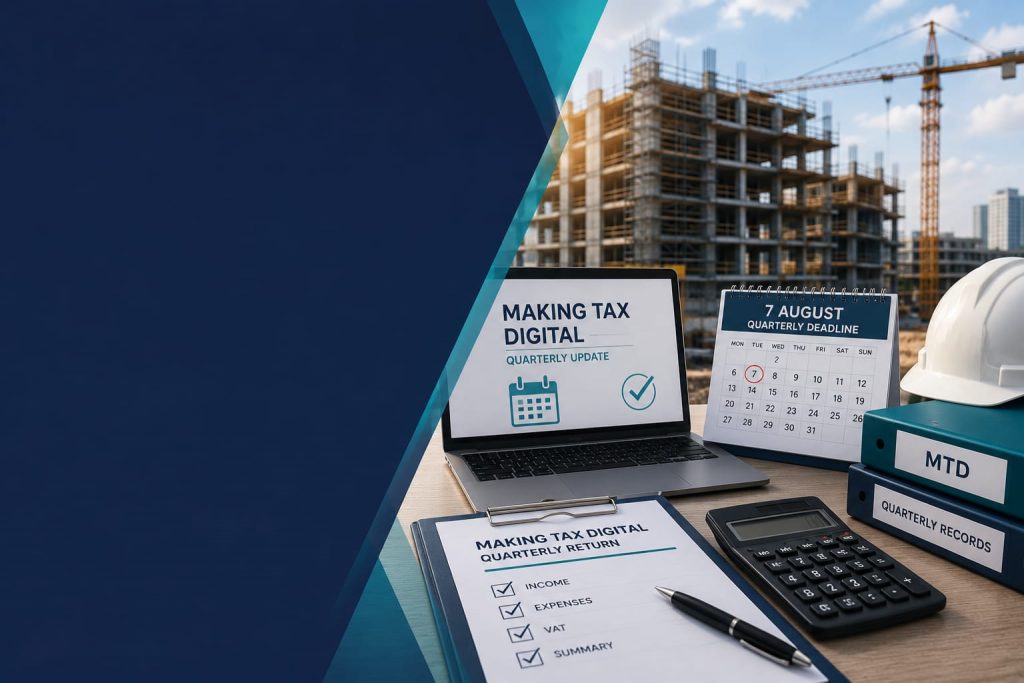
Making Tax Digital deadline for UK construction businesses

Construction businesses are facing a major change with Making Tax Digital, as HMRC introduces new quarterly reporting requirements from 2026. Construction runs on deadlines. Completion dates, retention releases, CIS payment schedules. This year there’s a new one to add to that list, and it’s coming from HMRC rather than a client: 7 August 2026.

If you’re a sole trader or landlord in the building trade earning above £50,000, that date is your first Making Tax Digital (MTD) quarterly update. For a lot of contractors and subcontractors working under CIS, this isn’t just another form. It’s a real change to how you handle your books day to day.

Why Making Tax Digital Hits Construction Harder Than Most

Tax admin has always been a bit awkward in this trade. Construction businesses deal with CIS deductions, retentions held back for months, and income that swings wildly from job to job. Most builders and tradespeople have got by on a once-a-year sit-down with their accountant, sorting the year’s paperwork into some kind of order in January.

That approach doesn’t work under MTD. Rather than one Self Assessment return, you’ll now need digital records kept up throughout the year, with a summary sent to HMRC every three months. If you’re running several sites at once with CIS payments landing at different times, that’s a proper shift in how you’ll need to work, not a box-ticking exercise.

What’s Actually Changing Under Making Tax Digital

From 6 April 2026, sole traders and landlords with combined gross income over £50,000 from self-employment and property fall under MTD for Income Tax. Gross means turnover before expenses, not profit. So a subcontractor invoicing £55,000 but taking home £35,000 after materials and costs is still caught by this.

Your first quarterly update covers 6 April to 5 July 2026, and it’s due by 7 August. Three more follow across the year, each landing on the 7th of the month after the quarter closes. Once you’ve done all four, you’ll file a year-end declaration by 31 January, which takes the place of the old Self Assessment return.

Paper records won’t cut it anymore, and neither will the old online Self Assessment system. Everyone in scope needs HMRC-approved software to log records digitally and send updates straight through. You can check the latest Making Tax Digital requirements directly through HMRC guidance.

Say You’re a Groundworks Subcontractor

Picture someone earning around £62,000 a year, working across two or three main contractors, paid under CIS with tax deducted before the money even reaches them. Up to now, they’d gather invoices and CIS statements once a year and drop them on their accountant’s desk in January.

That won’t fly anymore. From 6 April 2026, the same subcontractor needs digital records building up from the first day of the tax year, with the first submission due 7 August. Anyone still working from a shoebox of receipts, or a spreadsheet that only gets opened once a year, isn’t ready yet. None of this is difficult to fix, but you need to sort it before the deadline hits, not the week after.

Getting Ready Before the Making Tax Digital Deadline

First, work out whether this actually applies to you. Check your gross income from self-employment and property on your 2024/25 tax return. Over £50,000, and you’re in for this first wave.

Second, get compatible software set up properly. This isn’t something you want to be doing the week before the deadline. Your records need loading in advance, and your CIS income needs categorizing correctly from the start.

Third, get into the habit of logging income and expenses as they come in, rather than trying to piece it together from memory at the end of each quarter. This is where construction businesses tend to trip up, mainly because payments and retentions rarely line up neatly with the work itself.

And don’t leave the conversation with your accountant until late July. Connecting your software, getting your opening figures right, and reconciling that first quarter all takes a bit of time. Far better to do it at a steady pace now than scramble through it later.

Let’s Get You Sorted

At Magnum Accountancy, construction is all we do, so we already know how CIS, retentions and unpredictable payment cycles fit into this picture. Whether you’re still unsure if the rules affect you, or you know you need software support, we can help you get compliant well ahead of 7 August.

Book a free call with us and we’ll walk through exactly where you stand and what still needs doing before the deadline.